 USA/CAN
 France
 Germany
 United Kingdom
 Netherlands
 Spain
 Italy
 Canada (FR)
 Mexico
 Australia
FAQ
Find answers about buying, paying, pickup, financing, and managing your account with Ritchie Bros. Search below, or browse by topic and select a question to see the answer.
My Account
How do I sign in and open My Account?
Go to rbauction.com and select Sign in or Sign in without password. Then select the Profile icon in the top-right corner and choose an option such as Watchlist, Purchases, or Accounts.
Where do I update my password or contact information?
Select the Profile icon in the top-right corner and go to Sign in & security to update your password, phone number, or other contact details.
What can I do on the Watchlist page?
Save items you’re interested in, view real-time data, bid, and see sold results. You can save up to 1,000 items.
How do Saved Searches work?
Saved Searches notify you when new items matching your criteria are added to inventory. Choose daily or weekly alerts.
Where can I find my past purchases and invoices?
Select the Profile icon in the top-right corner and go to Purchases to view your purchase history, download invoices, or pay for onsite purchases that aren’t shown in your history.
What can I manage under Accounts?
Your addresses, tax information, and bidding limits. You can also find your local representative there.
How do I update my mailing or business address?
Select the Profile icon in the top-right corner and go to Accounts → Addresses to add, edit, or remove addresses.
How do I add a business to my account?
Select the Profile icon in the top-right corner, go to Accounts → Choose Account, and select Add New Account. You can add up to 5 businesses and have 1 personal account under your profile.
How do I find my local Ritchie Bros. representative?
Select the Profile icon in the top-right corner and go to Accounts → Local Representatives to see your Territory Manager’s name, phone number, and email. You can also go to Locations on rbauction.com, enter your address under Auction site, and select See local Representatives.
Getting started
What does Ritchie Bros. do?
Ritchie Bros. is a global marketplace where you can buy and sell heavy equipment, trucks, trailers, consumer items, and more through auctions and fixed-price options.
How do I browse equipment for sale?
Browse by category (Construction, Trucks, Agriculture, and more) or view all upcoming auctions directly on the rbauction.com homepage.
How do I register to bid?
Create an account or sign in, select the sale, then choose Register to bid online for the auction you want to take part in.
Do I need to pay to register?
No. Registration is free for all bidders.
How do I sell equipment with Ritchie Bros.?
Contact our sales team to talk through your selling options at rbauction.com/selling. Ritchie Bros. offers global reach, flexible selling formats, and full-service support.
Bidding
What are bidding limits and how do I increase mine?
Your bidding limit is the maximum amount you can spend at auction. You can increase it by:
- Verifying your account
- Applying for financing
- Placing a refundable deposit
To view or update your limit, select the Profile icon in the top-right corner and go to Accounts → Bidding limits and deposits. From there you can see your current limit, verify your account, or request an increase.
Do I need to place a deposit to bid?
Some customers may need to place a refundable deposit equal to 25% of their desired bidding limit, depending on their history and location. To view or manage your bidding limits and deposits, sign in to your online account, select Account, and then choose Bidding Limits and Deposits.
How do I place a PriorityBid?
PriorityBid allows you to set your maximum bid before the auction starts. Ritchie Bros. will bid for you at the lowest amount needed to win. To learn more about PriorityBid, visit rbauction.com/buying/how-to-buy/prioritybid.
Can I bid if I can’t be at the auction?
Yes. You can bid online from any device once you’re registered and signed in.
How do I inspect equipment before bidding?
You can visit the auction site in person during preview hours to inspect equipment before placing a bid. Ritchie Bros. encourages customers to inspect items onsite to understand their condition and suitability, as everything is sold “as is, where is.”
What happens if I’m outbid?
You’ll get an alert (by email or in-platform notification) if someone places a higher bid. You can increase your bid at any time before the auction closes.
Can I cancel a bid after placing it?
No. All bids at Ritchie Bros. are binding, including PriorityBids. Review item details carefully before you bid.
After you win
How do I know if I won an item?
You’ll receive an email confirming your purchase with a Make Payment button. Your purchase will also appear under My Account → Purchases.
What is Digital Checkout?
Digital Checkout is our streamlined way to pay for purchases online. It brings tax exemption submission, invoicing, and payment together in one place.
Where do I go to pay for my purchases?
Go to My Account → Purchases → Unpaid. All items that need payment appear there.
Can I choose which items to pay for?
Yes. You can select specific items and create separate invoices if needed.
How do I review or update my invoice details?
On the Confirm Details page, review your name, address, and company information. If something needs updating, select Update.
When will I receive my invoice? (Digital Checkout only)
Once you’ve won an item, you’ll receive an email notification about your purchase, and you can pay for it by selecting Make Payment. You’ll be directed to the Pending tab on the Purchases page of your account, where all items are selected. Choose the items you want to pay for and select Pay Now.
Can I upload a tax exemption certificate?
You can upload tax exemption documents directly during checkout.
You can also add one anytime: select the Profile icon in the top-right corner, go to Accounts → Tax Information, select Add under Tax exemption certificates, choose your country and state, complete the form, upload your documents, and sign electronically.
Certificates typically take 1–2 business days to review.
Payments and fees
What payment methods can I use?
Digital Checkout
We accept:
- Visa, Mastercard, Discover, and American Express
- Some debit cards
- International credit cards
- Domestic and international bank wires
- ACH bank transfer (US sales only)
- Financing
We don’t accept cash. Personal and business cheques are accepted. Include a letter of guarantee from your bank to have them cleared right away; otherwise, allow 10 business days.
Non-Digital Checkout
We accept:
- Visa, Mastercard, and American Express
- Some debit cards
- International credit cards
- Domestic and international bank wires
- Financing
We don’t accept Discover, ACH, ACSS, or cash. Personal and business cheques are accepted. Include a letter of guarantee from your bank to have them cleared right away; otherwise, allow 10 business days.
When is payment due?
Payment is due in full within 7 days after the auction ends. Overdue balances are subject to an 18% rate, and bidding privileges may be restricted.
Can I make a partial payment?
Yes. Select the toggle under the amount field to enter a partial payment. Payment in full must still be completed within 7 days of the last day of the sale.
What fees apply when I pay?
- Card payments: 2.95% closing fee
- Debit card payments: no fee
- Bank wires: no Ritchie Bros. fee, but your bank may charge $30–$50
How long do payments take to process?
- Cards: 5–10 minutes
- Domestic wire: up to 48 business hours
- International wire: up to 72 business hours
- ACH: up to 4 business days (Digital Checkout only)
- ACSS: up to 5 business days (Digital Checkout only)
- Cheques: right away with a bank letter of guarantee; up to 10 business days (longer without a bank letter)
What is the limit for payment if I decide to pay with a credit card?
Credit card payments are limited to $50,000 per transaction. Your card issuer or financial institution may also have additional transaction or daily spending limits. We recommend checking with your card provider before making a payment to confirm your available limit.
How do I pay by credit or debit card?
Select Card, enter your card details, and submit your payment. Processing usually takes 5–10 minutes.
How does paying by wire transfer work?
Choosing Pay by wire or financing creates your invoice. Then contact your bank to send the funds.
How does paying by ACH (US bank transfer) or ACSS (Canadian bank transfer) work?
Connect your bank through secure login or enter your bank details manually. ACH payments take up to 4 business days to clear, and ACSS payments take up to 5 business days. If your bank can’t connect during login, choose another bank or enter your details manually.
Can I cancel an ACH or ACSS payment?
No, an ACH or ACSS payment can’t be cancelled once it’s submitted. You have two options:
- Wait for it to finish processing. This can take several days, which may affect your pickup or transportation timing.
- Contact Customer Care to rebill your invoice so you can pay right away by card. The original ACH will likely still go through. That can cause an overpayment (which we’ll refund), and if your account balance is too low, your bank may charge insufficient funds fees or leave a negative balance.
Can I pay at the site when I pick up?
Yes. Our auction sites accept debit cards (no fee), credit cards (2.95% fee), and cashier’s cheques. We don’t accept cash. Personal and business cheques are accepted. Include a letter of guarantee from your bank to pick up right away; otherwise, you’ll need to wait 10 business days.
I received an invoice for buyer services. How do I pay online?
Use Pay other invoices only if the invoice or items aren’t shown in your Purchases. You’ll need an online account. Sign in, select the Profile icon in the top-right corner, go to Purchases, and select Pay now under Pay other invoices.
Verification, deposits, and refunds
Which cards can I use to verify my account?
Visa, Mastercard, American Express, and some debit cards. Discover and cash aren’t accepted. Verification typically takes 5–10 minutes and there’s no fee.
How can I pay a deposit?
We accept Visa, Mastercard, American Express, some debit cards, international credit cards, and domestic or international bank wires. Discover and cash aren’t accepted.
How long do deposits take, and are there fees?
- Cards: 5–10 minutes, no fee
- Domestic bank wire: 24–48 business hours. Your bank may charge a fee (typically $30–$50).
- International bank wire: up to 72 business hours. Your bank may charge a fee.
How do deposit refunds work?
Refunds go back to the payment method you used for the deposit. Ritchie Bros. doesn’t charge refund fees, but banks may charge fees for wire refunds, especially international ones. Typical timelines:
- Cards: about 7 business days
- International cards: 7–45 days
- Bank wires: 15 days or longer, depending on the bank
Financing
What is Ritchie Bros. Financial Services?
Ritchie Bros. Financial Services (RBFS) is an equipment-focused lender that helps buyers finance heavy equipment, trucks, and machinery, with fast approvals, flexible terms, and financing designed for equipment buyers.
How do I get pre-qualified?
Pre-qualify online in about 60 seconds at rbauction.com/services/financial-services. You’ll only need basic information like your name, business details, and the amount you want to finance. Prefer to talk to someone? Call a financing specialist at 1-855-331-5750.
Will pre-qualifying affect my credit score?
No. Pre-qualification uses a soft credit pull, which doesn’t affect your credit score. A hard pull only happens if you complete a full financing application.
How fast can I get approved?
Most customers receive full approval within 24 hours of submitting their application.
How much can I finance?
Financing is available for purchases from $10,000 up to $1 million, depending on your credit profile and business needs. For smaller purchases up to $10,000, “Buy Now, Pay Later” options are available.
What kinds of equipment can I finance?
Construction, agriculture, transportation and trucking, and forestry equipment. As an equipment-only lender, RBFS can finance assets that traditional banks often won’t.
Do you finance new businesses or startups?
Yes. RBFS works with a range of business profiles, including newer operators with limited history. Specialists review each application and credit profile individually.
Can I refinance equipment I already own?
Yes. Refinancing is available for qualifying equipment and can help improve cash flow or extend payment terms.
What is PurchaseFlex™ Financing?
PurchaseFlex™ lets you skip payments for the first 120 days on qualifying purchases. It’s designed for buyers with seasonal cash flow and offers terms up to 72 months.
How does financing work during an auction?
- Pre-qualify before the auction.
- Bid confidently with your approved spending limit.
- Put your equipment to work, with no payments for 120 days on qualifying PurchaseFlex™ loans.
Can I use financing outside of auctions?
Yes. You can use your approved financing to buy equipment at auctions, dealerships, or from private sellers.
Is my deposit waived if I use financing?
Most financing buyers can bid without a deposit, but requirements vary by financing option. To avoid delays, check with your lender before purchasing. Questions? Contact RBFS at 1-855-331-5750.
What if my account or purchase is under the wrong name?
Before you buy, confirm the name on your financing contract matches your bidding account. If it doesn’t, add the correct business name or create the right bidding account first: select the Profile icon in the top-right corner and go to Accounts. If you’ve already purchased under the wrong name, speak to your lender, or contact RBFS at 1-855-331-5750.
Pickup and shipping
When can I pick up my items?
Only after full payment is received. Items must be picked up within 14 days.
How do I schedule a pickup or drop-off appointment?
After payment is complete, book your appointment through RitchieAppointments.com, the booking platform for all North American Ritchie Bros. yards. Many sites require an appointment for load-out.
- Open the site map on RitchieAppointments.com and select the pin for your site.
- Select Book for that site. Its booking page opens in a new tab.
- Select Book Now, then choose the service you need.
- Pick an available date and start time.
- Enter your details, select the checkbox, and select Confirm Booking.
You can also reach the booking page from the auction site’s page: open the Details tab, select the site details below the item location, then select Learn more under Pickup / Drop-off and choose Schedule Now.
When you arrive, you’ll need a Gate Release Pass, which is issued at the front office.
Can I go straight to a site’s booking page?
Yes. Type the site’s name in front of .ritchieappointments.com/v2/. For example: atlanta.ritchieappointments.com/v2/. Use the Ritchie Bros. site name, which may differ from the nearest town (for example, Nashville rather than Lebanon).
How do I change or cancel my appointment?
Use the link in your booking confirmation email.
Can Customer Care schedule my pickup for me?
No. Please use the booking calendar. Customer Care can point you to the right page.
What services can I book?
It depends on the yard. Options may include:
- Pre-sale container delivery
- Loader assistance appointments
- IronPlanet pickup
How do I arrange pickup for Buy Now items?
Your buyer release form is in My Account. Use it to arrange pickup. RitchieAppointments.com scheduling doesn’t apply to Buy Now items.
What are yard hours?
Most yards are open Monday–Friday, 8:00 AM to 4:00 PM, and closed on weekends except for some auction-related Saturdays. Always check your site’s hours on its booking page.
Do I need safety gear in the yard?
Yes. Hi-vis vests and closed-toe shoes are required for everyone entering the yard. Check your site’s yard policies on its booking page.
What should I know before previewing aerial equipment?
Operate aerial equipment from the ground when possible. If you must enter the basket, a harness is required.
Do you provide temporary plates?
Rules for temporary plates vary by auction site and state. Contact the site directly to check what applies.
Can Ritchie Bros. help with shipping?
Yes. At checkout, you can choose self-pickup or a free shipping quote from VeriTread. To get a quote, select Get a Free Shipping Quote, enter your delivery details, and agree to share your information with VeriTread. You can also request quotes from the item page.
Contact us
How do I contact Customer Care?
Use the online contact form or call:
- USA & Canada: 1.800.211.3983
- Europe: +31.765.242.600
- Middle East: +971.4.812.0600
- Mexico: +52.427.266.0909
- International: +1.778.331.5939
Who do I contact about a purchase I’m picking up?
Contact the yard directly, using the phone number on its booking page.
No questions match your search.
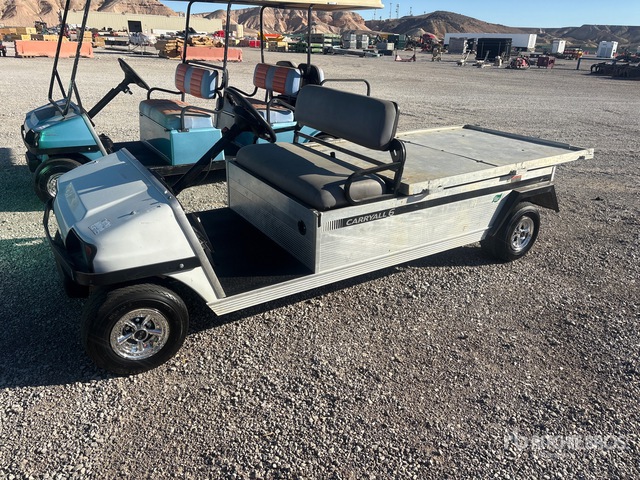 2014 Club Car Utility Cart
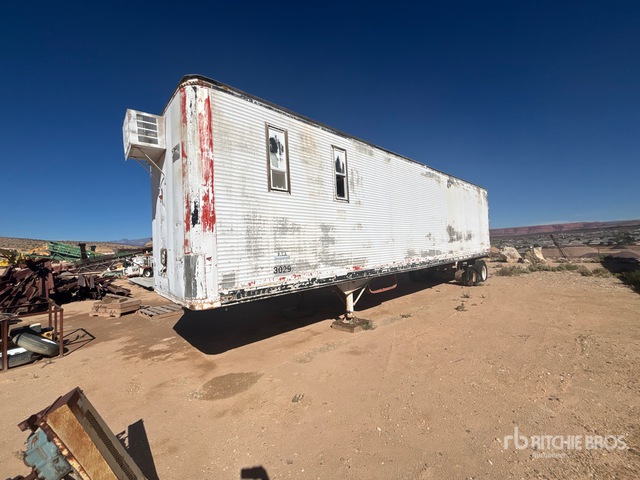 HIghway Office 8010-404T-2F Mobile Office
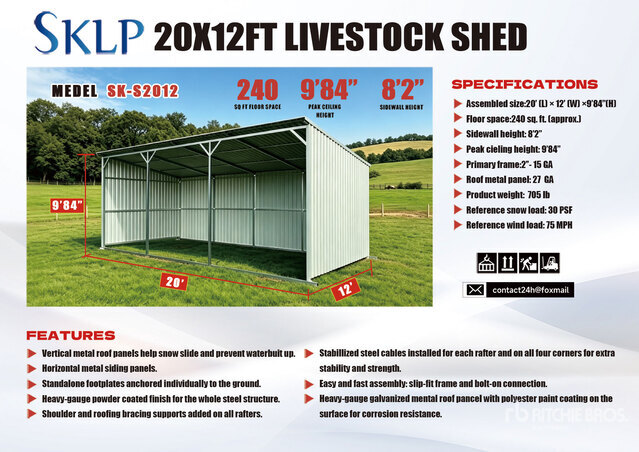 2026 SKLP SK-S2012 Livestock Shelter
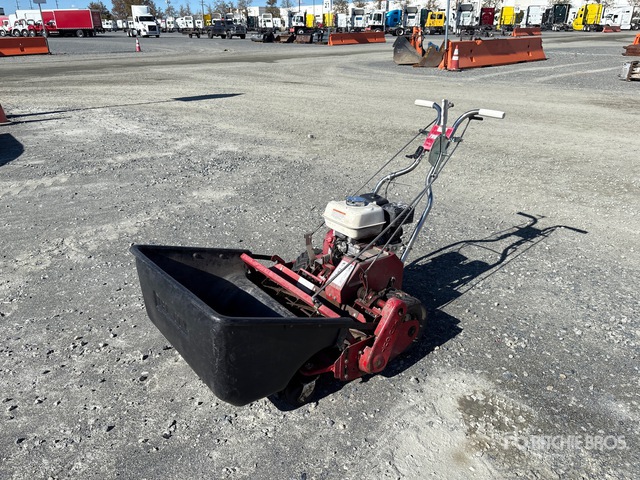 2020 Tru Cut Lawn Mower
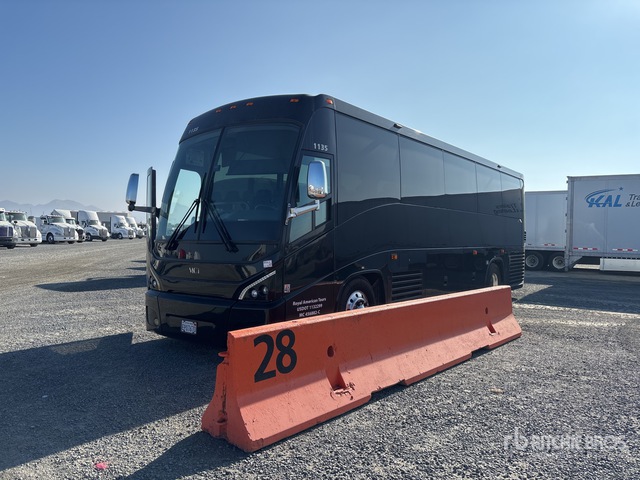 2020 Motor Coach Industries J3500 Bus
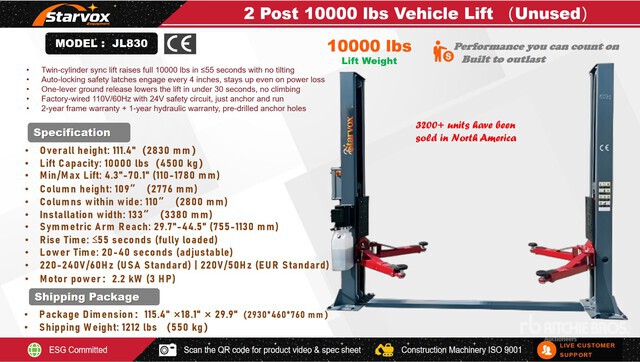 2026 STARVOX JL830 Vehicle Lift
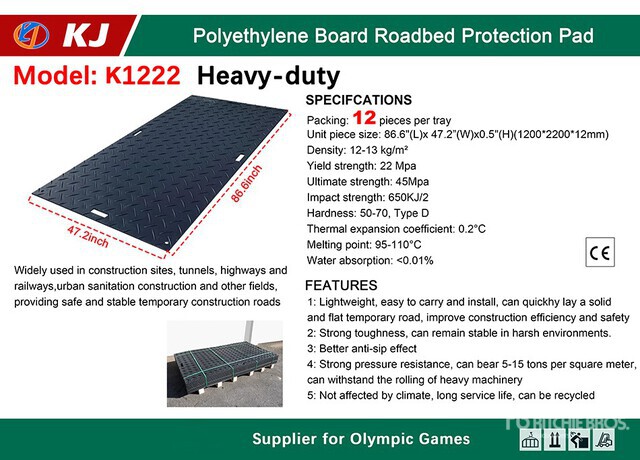 2026 KJ K1222 Misc. Traffic Control Device
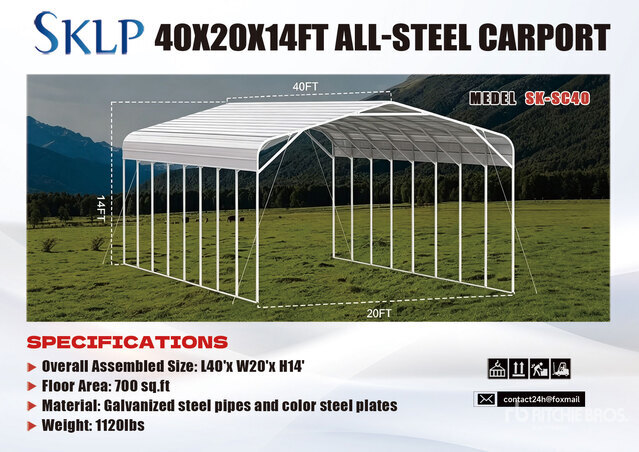 2026 SKLP SK-SC40 Carport
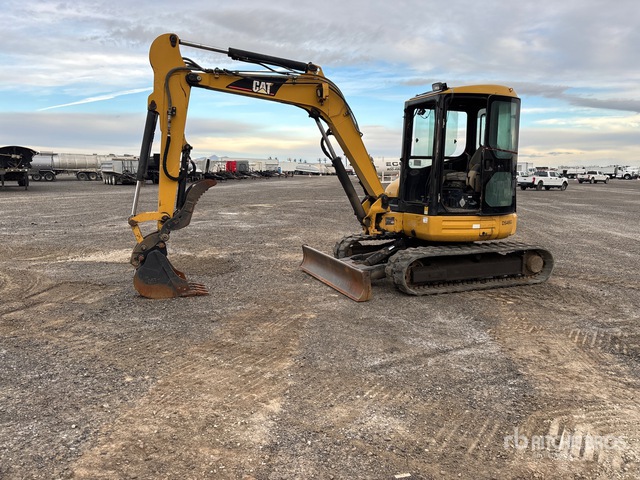 2003 Cat 305 CR Mini Excavator: <6.6t
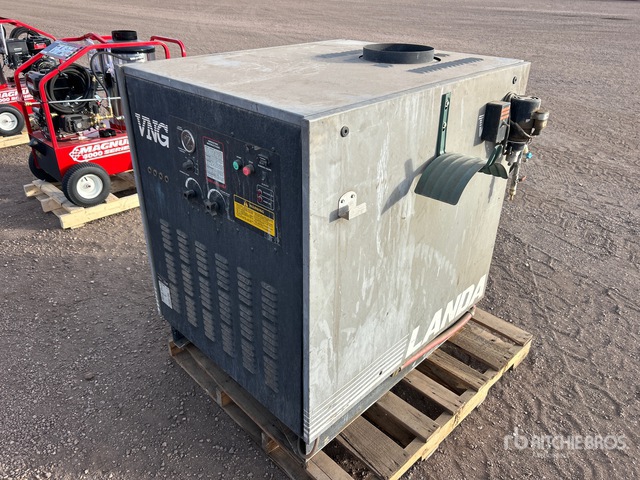 Landa VNG Pressure Washer
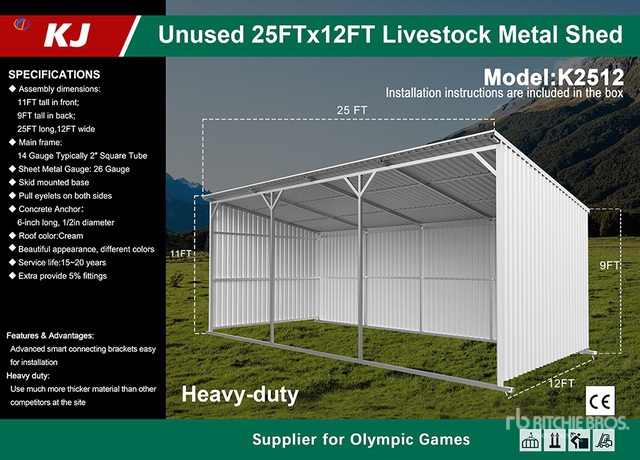 2026 KJ K2512 Livestock Shelter
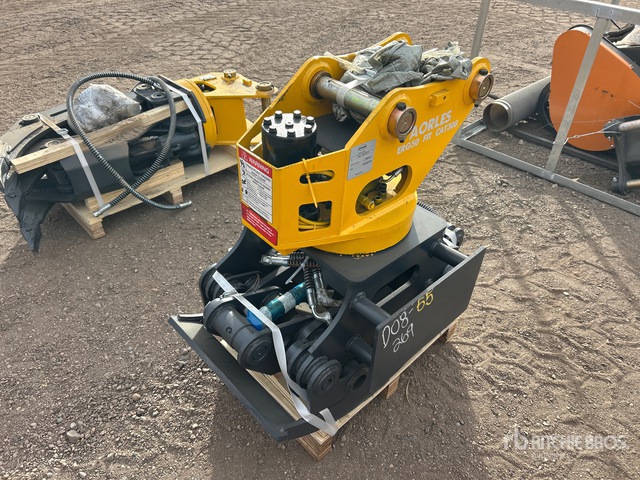 2026 AORLES ERG50 Excavator Grapple
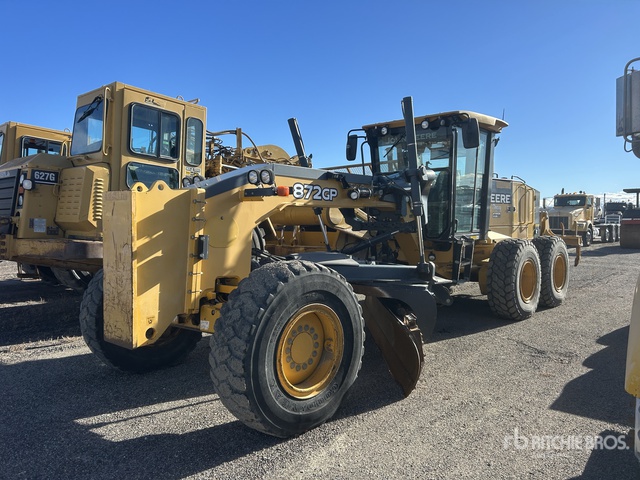 2011 John Deere 872GP Motor Grader
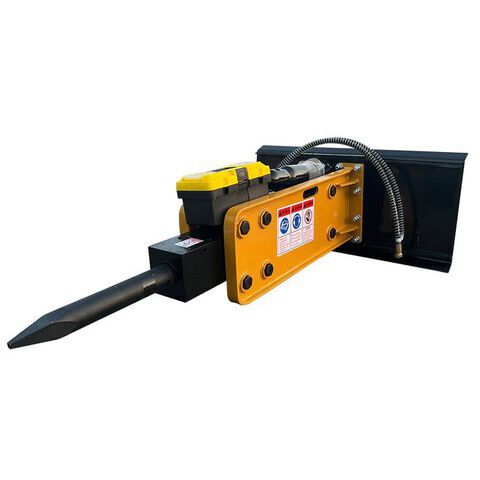 2026 AGT SSHH680 Skid Steer Breaker
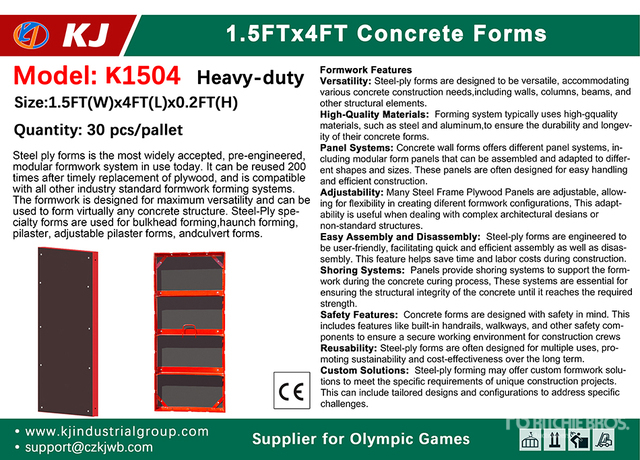 2026 KJ K1504 Concrete Forms
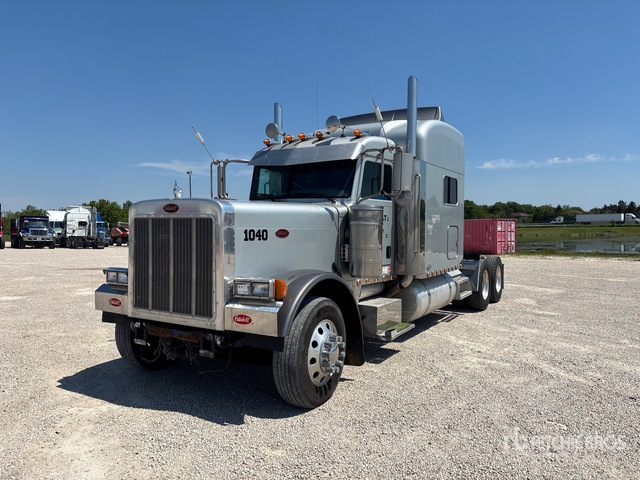 2005 Peterbilt 379 T/A Sleeper Truck Tractor
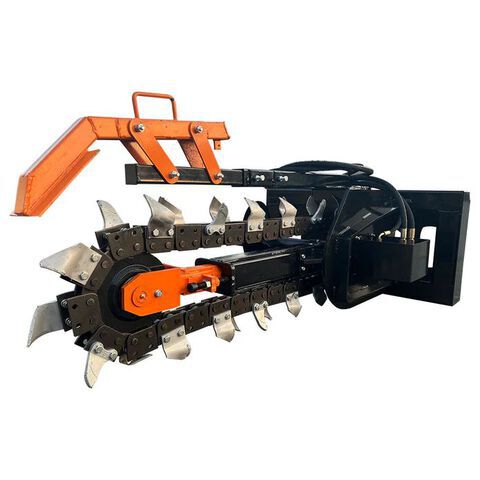 2026 Mower King ECSSCT72 Skid Steer Trencher
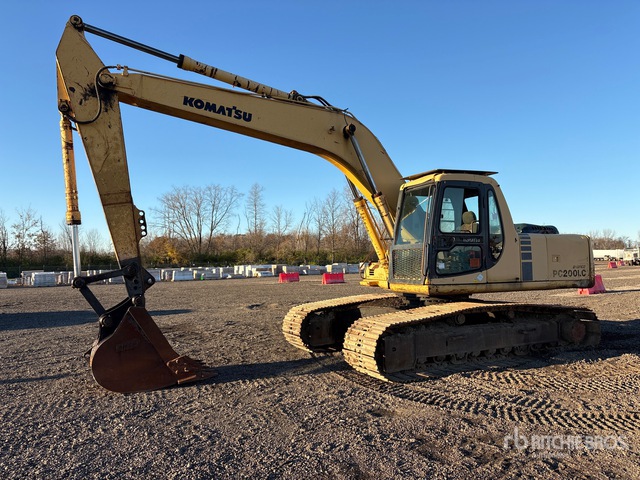 1999 Komatsu PC200LC-6 Tracked Excavator
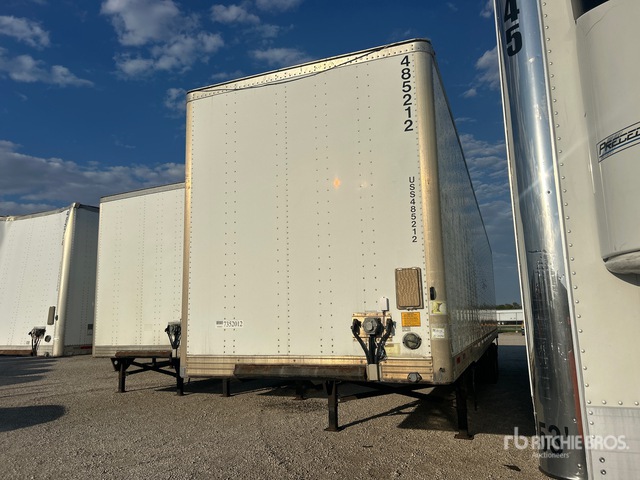 2013 Utility VS2DX Van Trailer
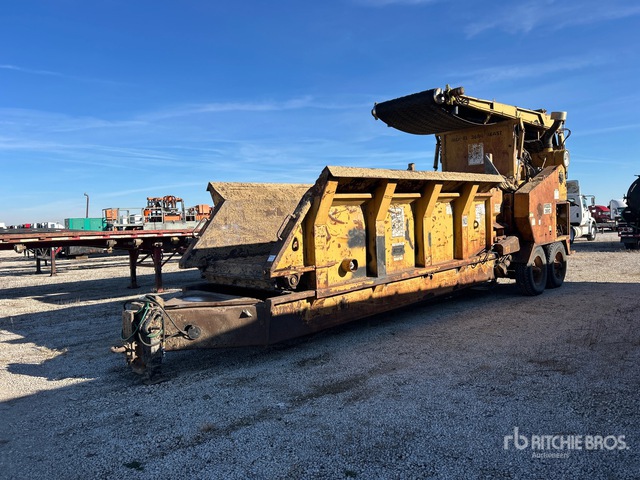 Bandit 3680 Beast Horizontal Grinder
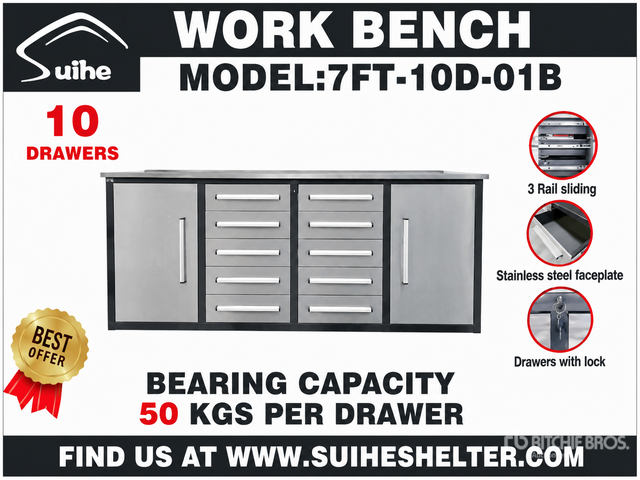 2026 Suihe NWB-10DS-2-7 Workbench
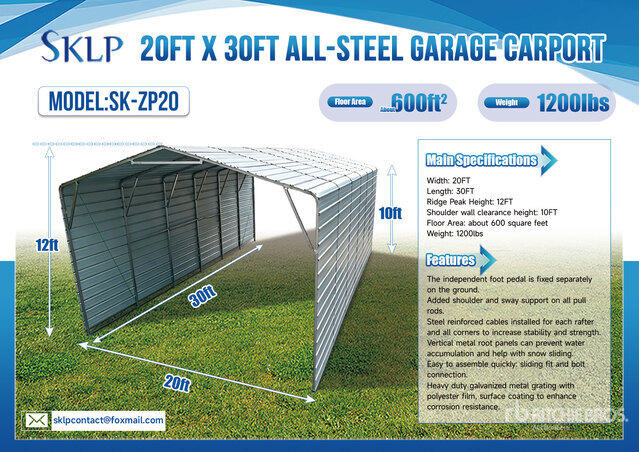 2026 VICSEC SK-ZP20 Carport
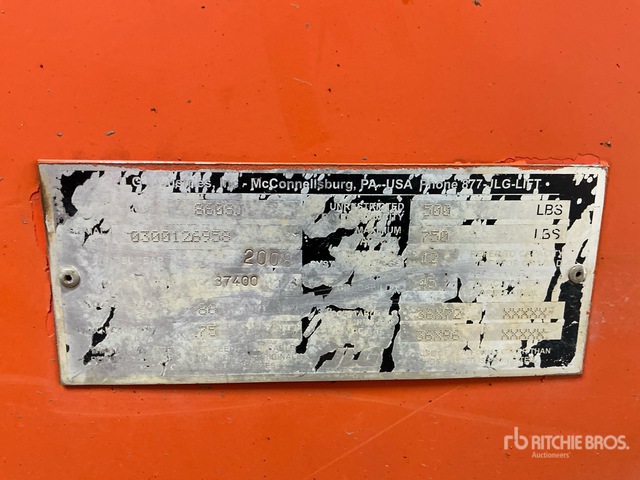 2008 JLG 860SJ Telescopic Boom Lift
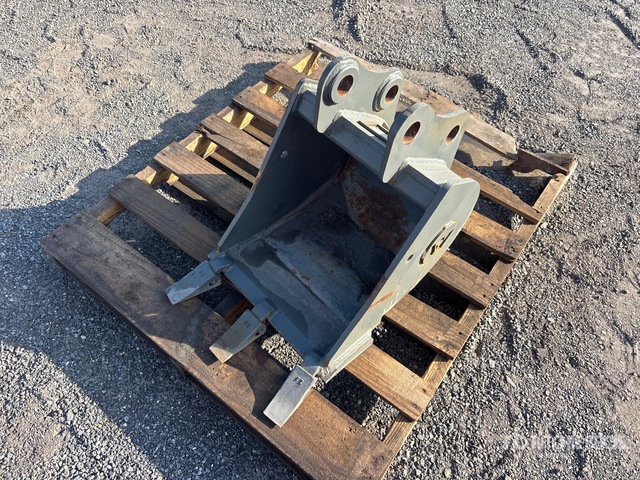 Wacker Neuson Excavator Bucket
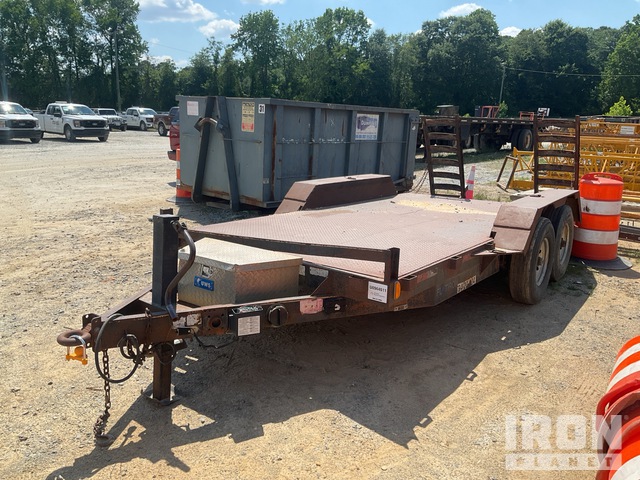 2005 Emerson Hammerhead Equipment Trailer