 USA
USA France
  Germany
  United Kingdom
  Netherlands
  Spain
Spain  Italy
Italy  Canada (FR)
  Mexico
  Australia
 Finding Machines Faster: What’s New with Ritchie Bros. Search

Equipment search on rbauction.com has been rebuilt around how buyers compare machines. Over the past two months, we’ve reworked the filter sidebar, added new ways to sort upcoming and sold results, redesigned saved search alerts and fixed the small glitches that made search feel unsteady.
Everything below is available now on rbauction.com. Here’s what changed and how to use it.
The short version:
- Make, Model, Year and Location filters now sit at the top of the sidebar
- Sold results sort by sale date, price, year, hours and mileage
- Saved search alerts show a photo and key details for every new match
- Model names and item numbers return the listings you meant
- Shared links show a proper preview in Messages, WhatsApp and Slack
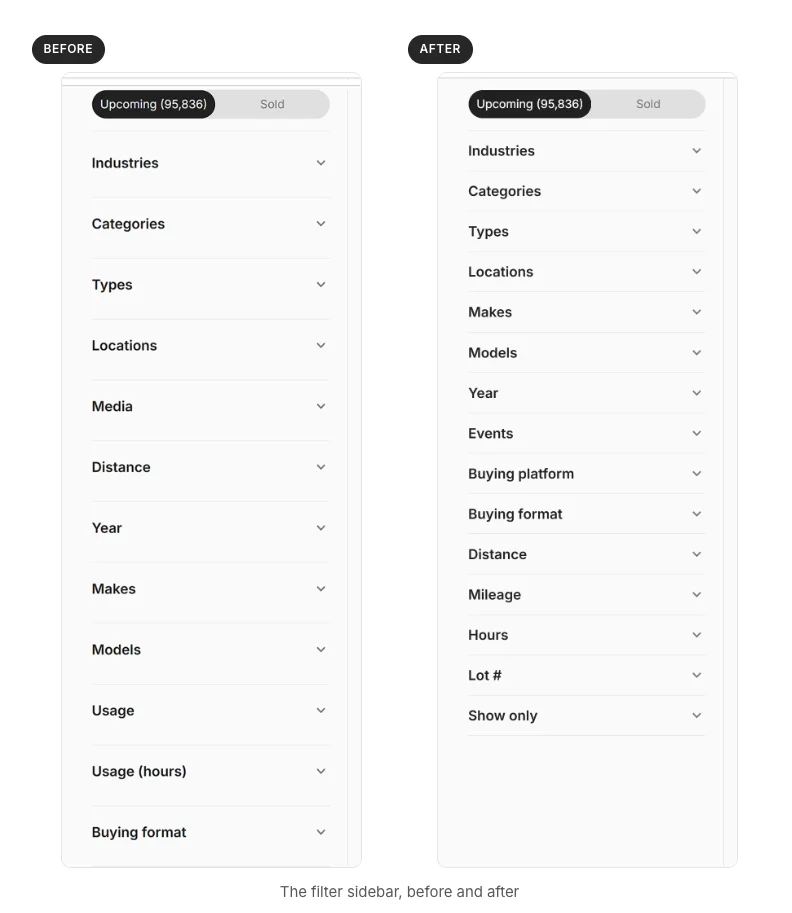
The filters you use most now come first
With 2.2M+ registered bidders a year, search has to work the way buyers do: by location, make, model and year. Those four filters now sit at the top of the sidebar. Auctions and sales, buying platform and buying format follow, with Distance, Mileage and Hours further down.
The rest of the sidebar is quicker to scan, too:
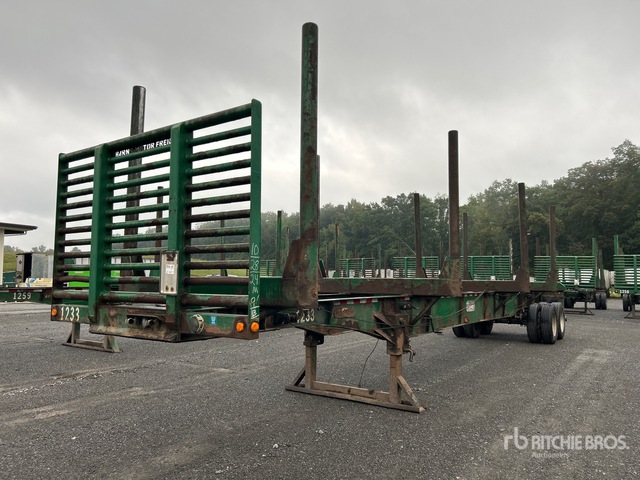 2017 Mclendon FT45L Log Trailer
- One “Show only” group. “With photos,” “New & unused,” “Used,” “In Yard” and “IronClad Assurance” now live together, replacing the old Services section.
- Used equipment in one click. The new “Used” option hides new and unused items.
- Auctions or Buy Now. Instead of five separate formats, pick one of two. Sealed bid auctions are included in Auctions, and Make Offer listings are part of Buy Now, so you see every fixed-price option on one tab.
- Closing soonest first. Upcoming auctions and sales in the filter are listed by which closes next.
- Smarter usage filters. Choosing “New & unused” hides the Hours and Mileage filters, since unused equipment has nothing to filter on.
- More choices before “See more.” Each filter shows up to eight options, sorted so the makes with the most listings (think Cat and Ford) come first.
- Serial numbers go in the main search bar. The separate serial number filter is gone.
On category pages, each filter heading now shows how many options you’ve ticked, like “Industries (2).” As you drill down from industry to category to type, the level you’ve chosen collapses and the next one opens.
Sold results now sort by price, date and hours
If you research what machines actually sell for before you bid, this one’s for you. Sold results and past auction pages now sort by:
- Sale date (latest first)
- Price, high or low (sign in to use this)
- Year
- Hours
- Mileage
- Lot number, on past auction pages
Pull up sold Cat 336 excavators, sort by hours, and you can see how usage tracks against the final bid amount. It pairs well with our free Price Results tool for historic equipment pricing.
Upcoming results got a new sort menu as well: Best match, Distance (nearest first), Ending soonest, Newly listed, Year, Hours (low to high) and Mileage (low to high). Listings that have already closed drop below the ones you can still bid on, and items with no year listed sort last.
Search that returns what you typed
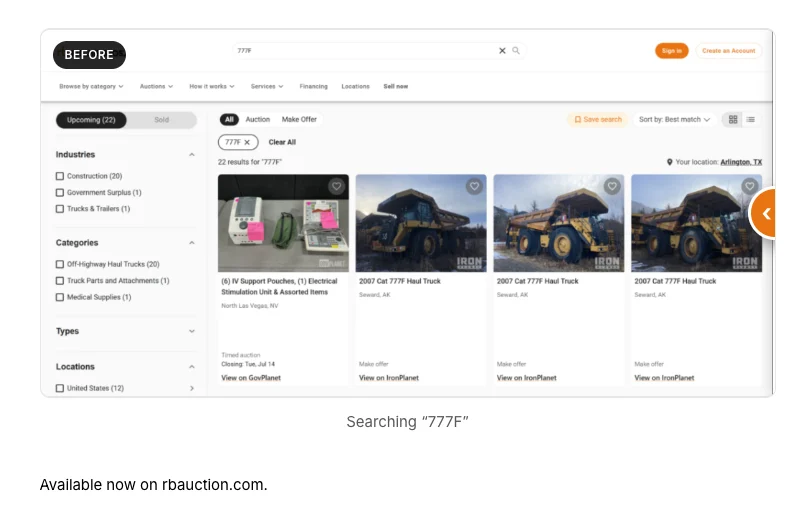
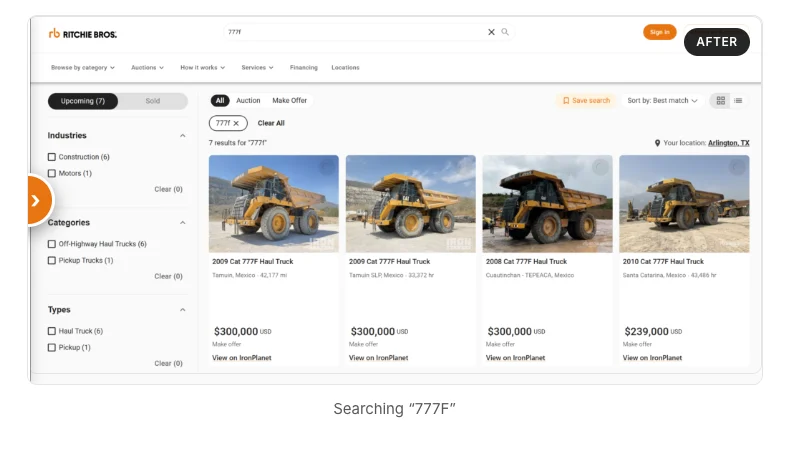
Short model names used to surface unrelated listings that happened to share characters with internal IDs. Now a search for “Cat 777F” returns 777F haul trucks, and pasting a full item number brings back that listing alone.
The search box also tells you what it accepts: “Make, model, lot or location.” And when results don’t go as planned, search is upfront about it:
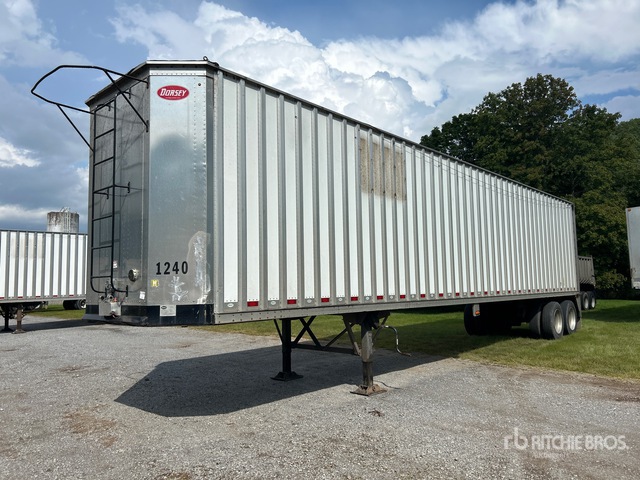 2019 Pitts CV45 Chip Trailer
- No exact matches. If nothing matches every word you typed, search says so, shows results matching fewer words and offers to save the search.
- Failed loads. If results don’t load, you’ll see a message and a Retry button instead of “0 results” and an empty page.
- Filters that hold. Ticked filters no longer untick and re-tick themselves while results reload, and old results no longer flash on screen before the new ones appear.
Saved search alerts show the machine, not just a link
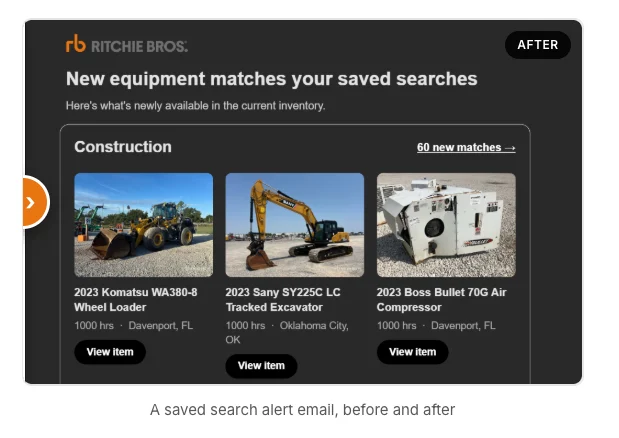
Saved search emails have been redesigned so you can tell at a glance which matches are worth opening. Every new match shows a photo, year, name, hours or mileage, and location, with a “View item” button that goes straight to the listing.
Each saved search gets its own section with a count of new matches. Category searches are named after the category, like “Construction” or “Trucks & Trailers,” instead of “Untitled.” Daily and weekly alerts arrive at a consistent time, and the new design is available in 16 languages.
Once a specific machine catches your eye, add it to your watchlist so it’s easy to track through to sale day. Our post on the Watchlist Carousel and real-time timed auction info covers how.
Easier to share and easier on your phone
Plenty of buying decisions involve a partner, a foreman or a finance approver. Paste a search, category or auction link into Messages, WhatsApp or Slack and it now shows a title, description and image, not a bare URL.
On a phone, tapping the search icon puts your cursor straight in the box. Search result cards are shorter, with the empty space around the price and Bid button removed, so more listings fit on screen.
A few more fixes:
 2010 Kenworth T660 T/A Sleeper Truck Tractor
- Clicking into the search box shows only your Ritchie Bros. recent searches, not your browser’s saved searches on top
- Right-clicking a recent search no longer runs or deletes it by accident
- On desktop, the homepage search box cycles through search ideas and stops when you click in to type
Around the site
- Auction calendar. “Upcoming auctions” in the Auctions menu now opens the calendar, and its filters match the rest of search.
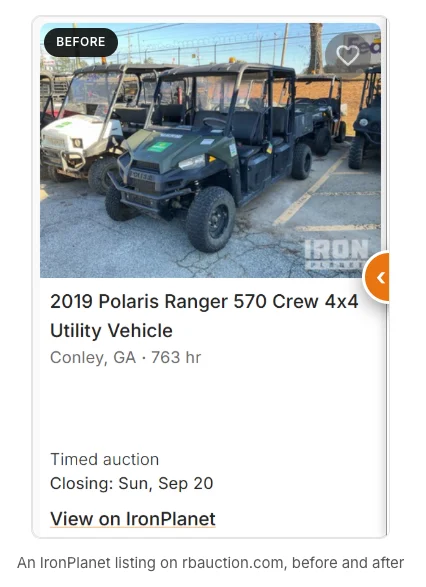
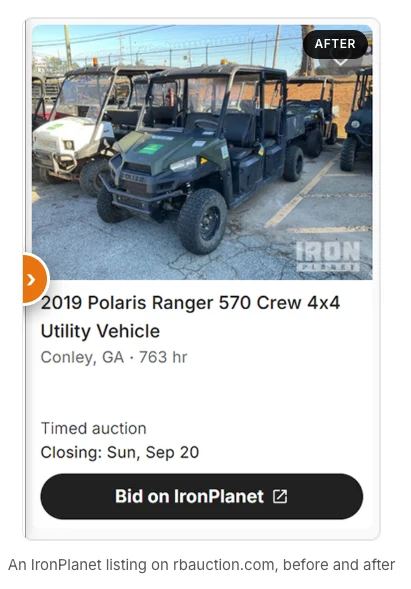
- IronPlanet and GovPlanet listings. These cards now end in a clear button, like “Bid on IronPlanet,” and look the same in grid and list view.
- More languages. The IronPlanet and GovPlanet listing buttons, the search box and two sort labels are translated into all 19 non-English languages on the site.
- The blog’s new home. The footer Blog link opens blog.ritchiebros.com, with your region’s edition where one exists.
Put it to work on your next search
- Start with the basics. Set location, make, model and year at the top of the sidebar, then tick “Used” or “With photos” under Show only.
- Check what comparable machines sold for. Switch to Sold, sign in and sort by price or hours to see where the market has landed.
- Let the alerts do the watching. Save the search for new matches, and add standout machines to your watchlist.
These changes are about getting you from a blank search box to the right machine with fewer clicks. We’ll keep posting updates as they ship on the Ritchie Bros. product updates page.
Start your next equipment search on rbauction.com
 |
Operational Excellence Is Brilliance at the Basics |
 2017 Mclendon FT45L Log Trailer2019 Pitts CV45 Chip Trailer
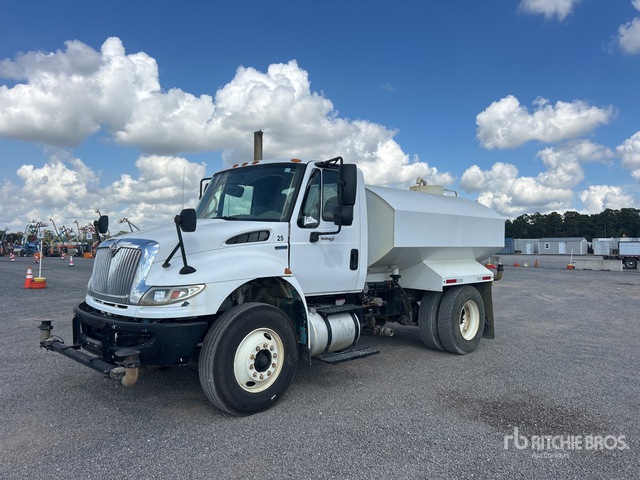 2009 International 4300 Water Truck
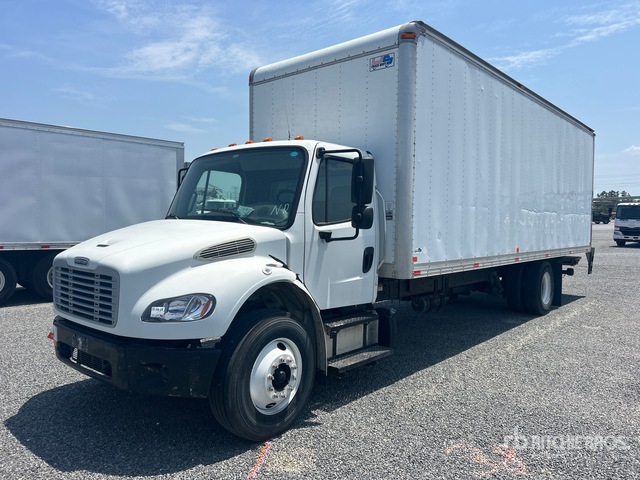 2015 Freightliner M2106 Van Truck
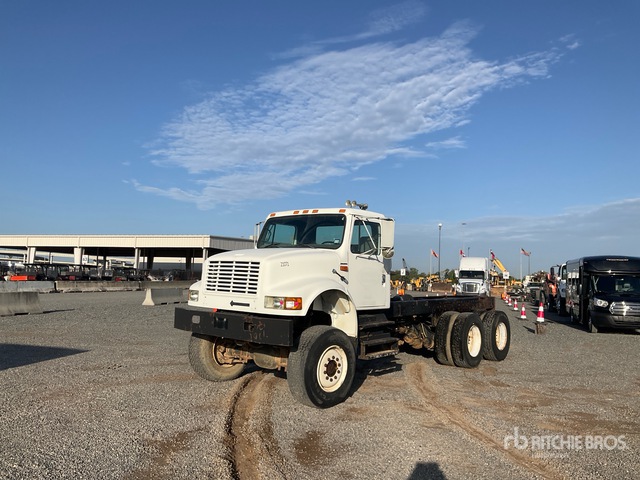 1993 International 4900 Cab and Chassis2010 Kenworth T660 T/A Sleeper Truck Tractor
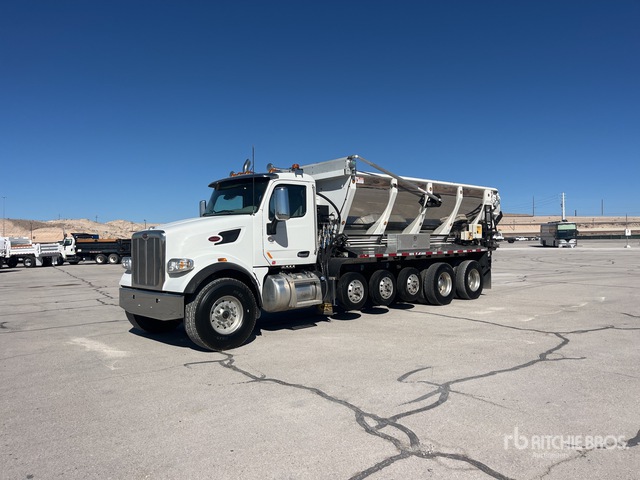 2022 Peterbilt 567 Stone Spreader Truck
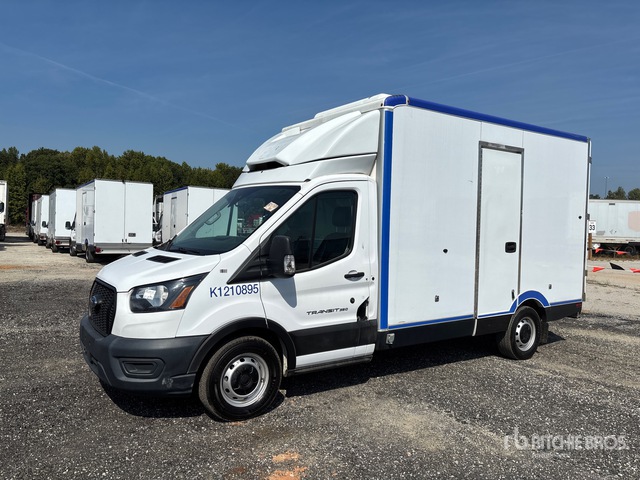 2021 Ford Transit T-350 Refrigerated Truck
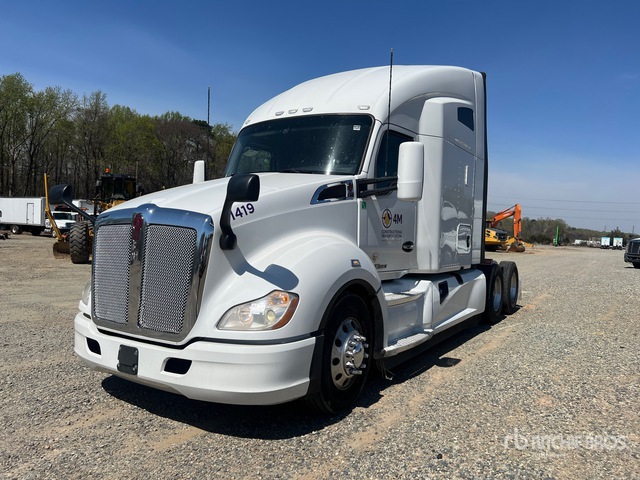 2021 Kenworth T680 T/A Sleeper Truck Tractor
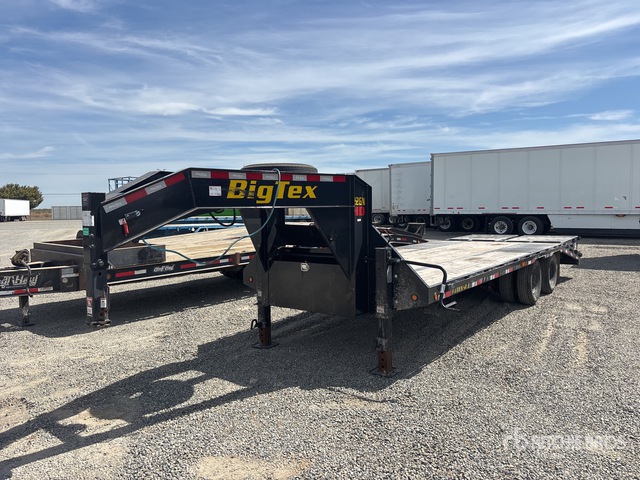 2026 Big Tex Equipment Trailer
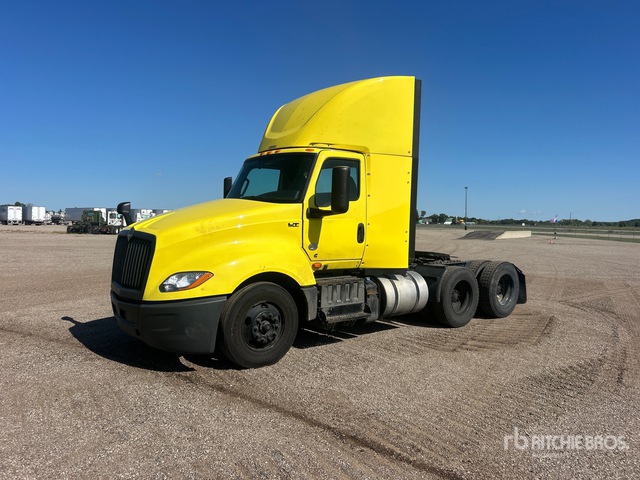 2023 International LT625 T/A Day Cab Truck Tractor
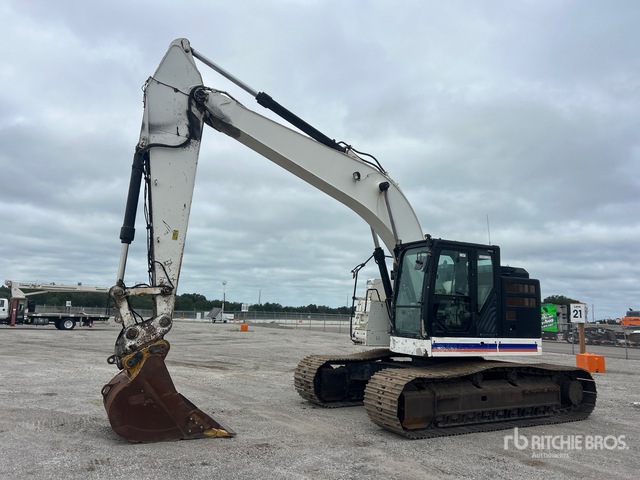 2016 Cat 335F LCR Tracked Excavator
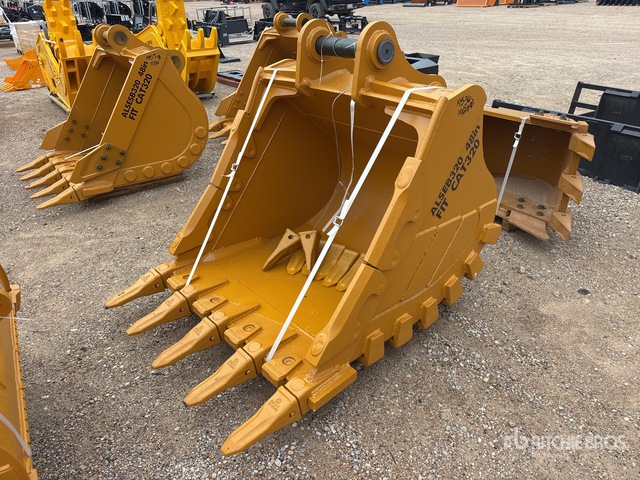 2026 LYALS ALS EB320 Excavator Bucket
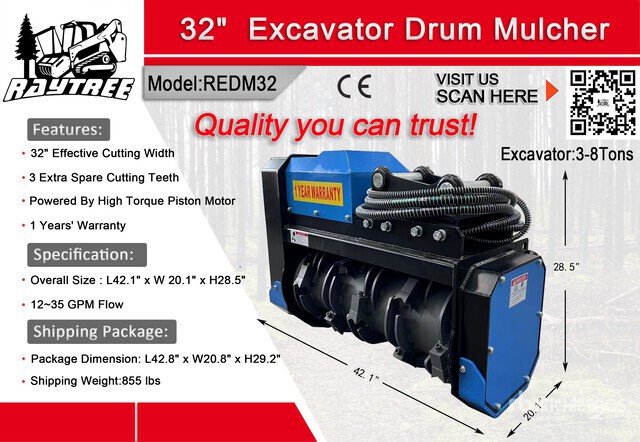 2026 Raytree REDM32 Misc. Excavator Attachment
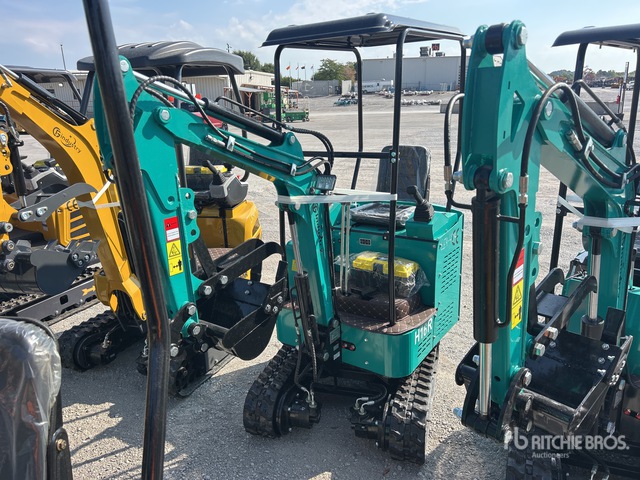 2026 CFG H16R Mini Excavator: <6.6t
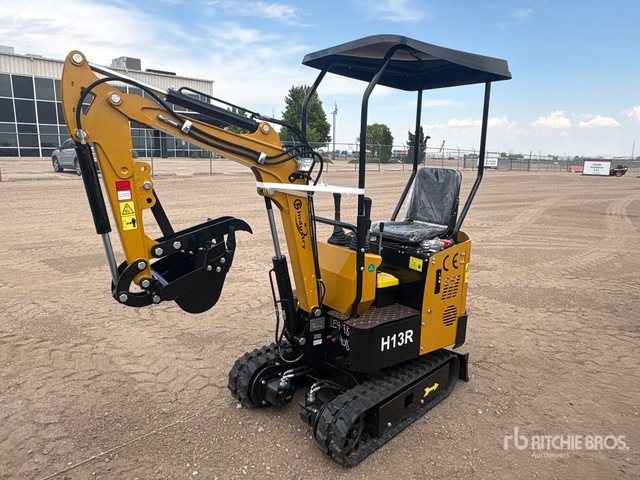 2026 CFG H13R Mini Excavator: <6.6t
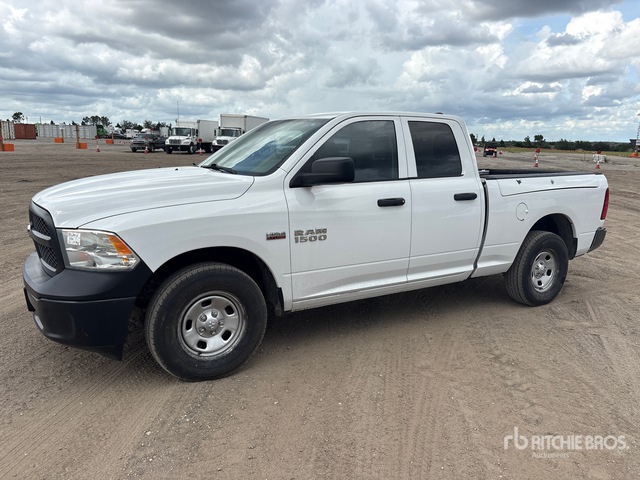 2018 Ram 1500 Pickup
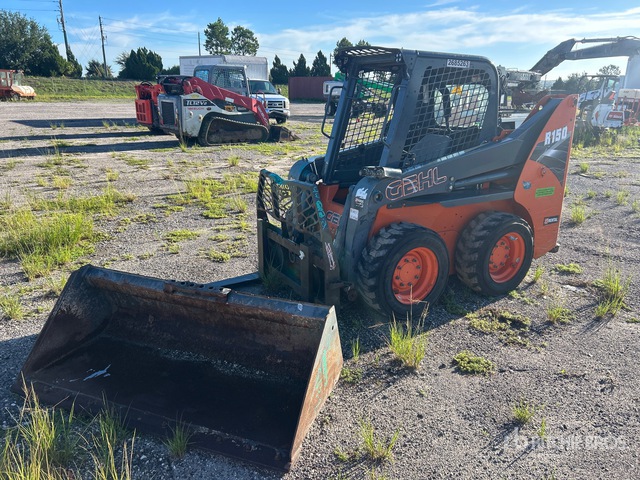 2018 Gehl R150 Skid Steer Loader
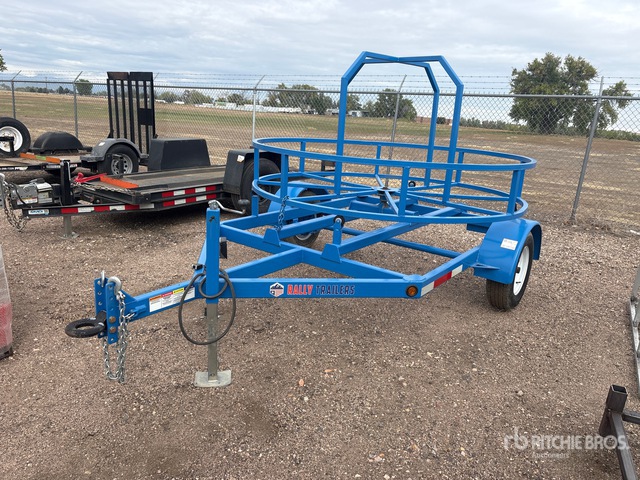 2021 Rally Misc. Oil and Gas Trailer
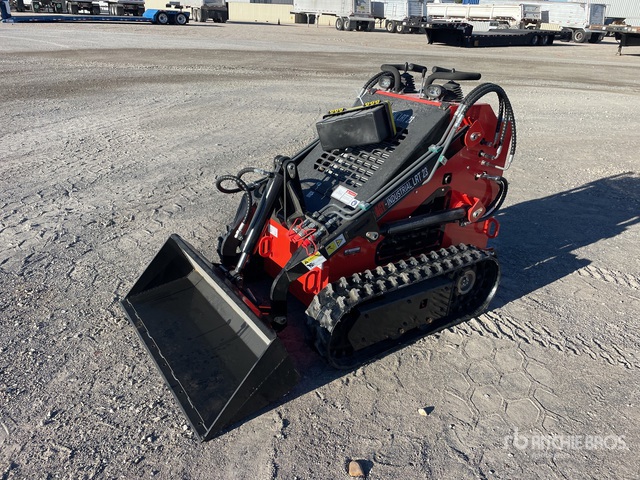 2025 AGT LRT23 Compact Track Loader
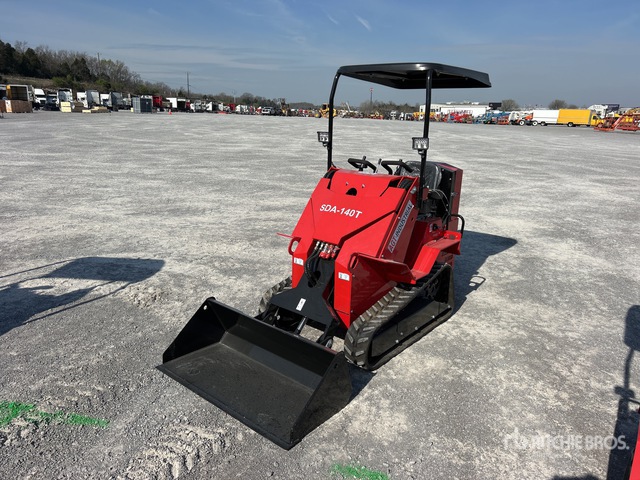 2026 AGT SDA140T Compact Track Loader
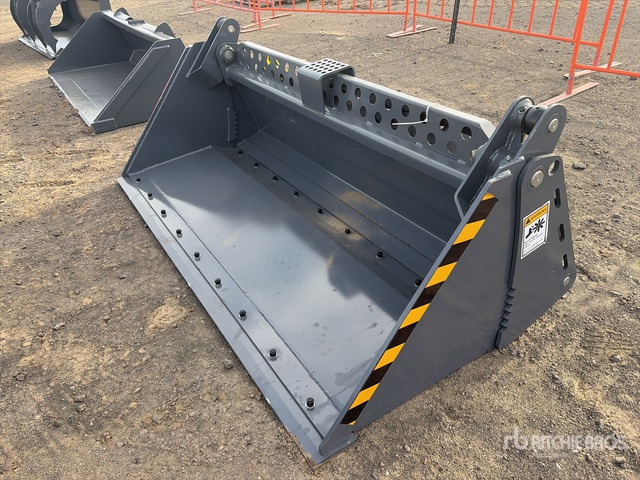 2026 Skyway WBCT-4IN1 Skid Steer Bucket
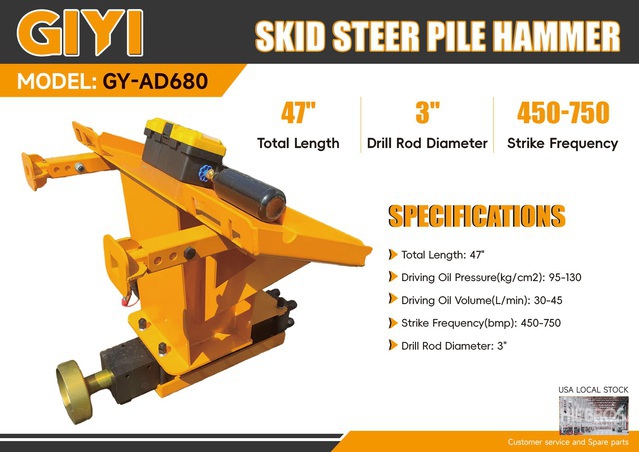 2026 GIYI GY-AD680 Skid Steer Post Driver
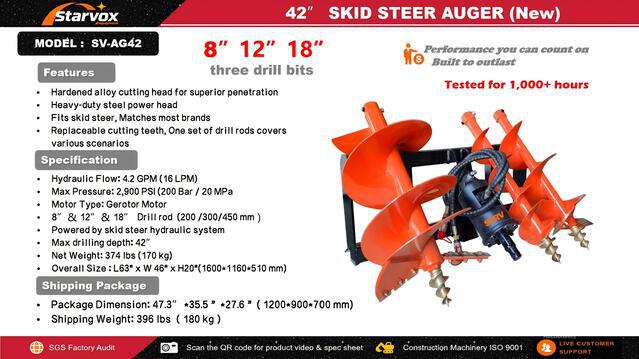 2026 STARVOX SV-AG42 Skid Steer Auger
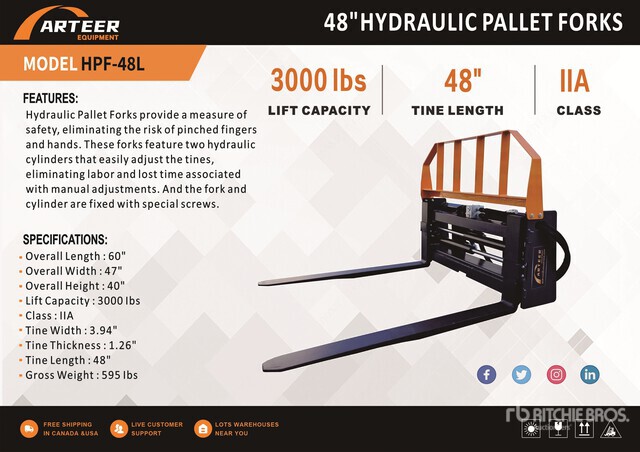 2026 ARTEER HPF-48L Skid Steer Forks